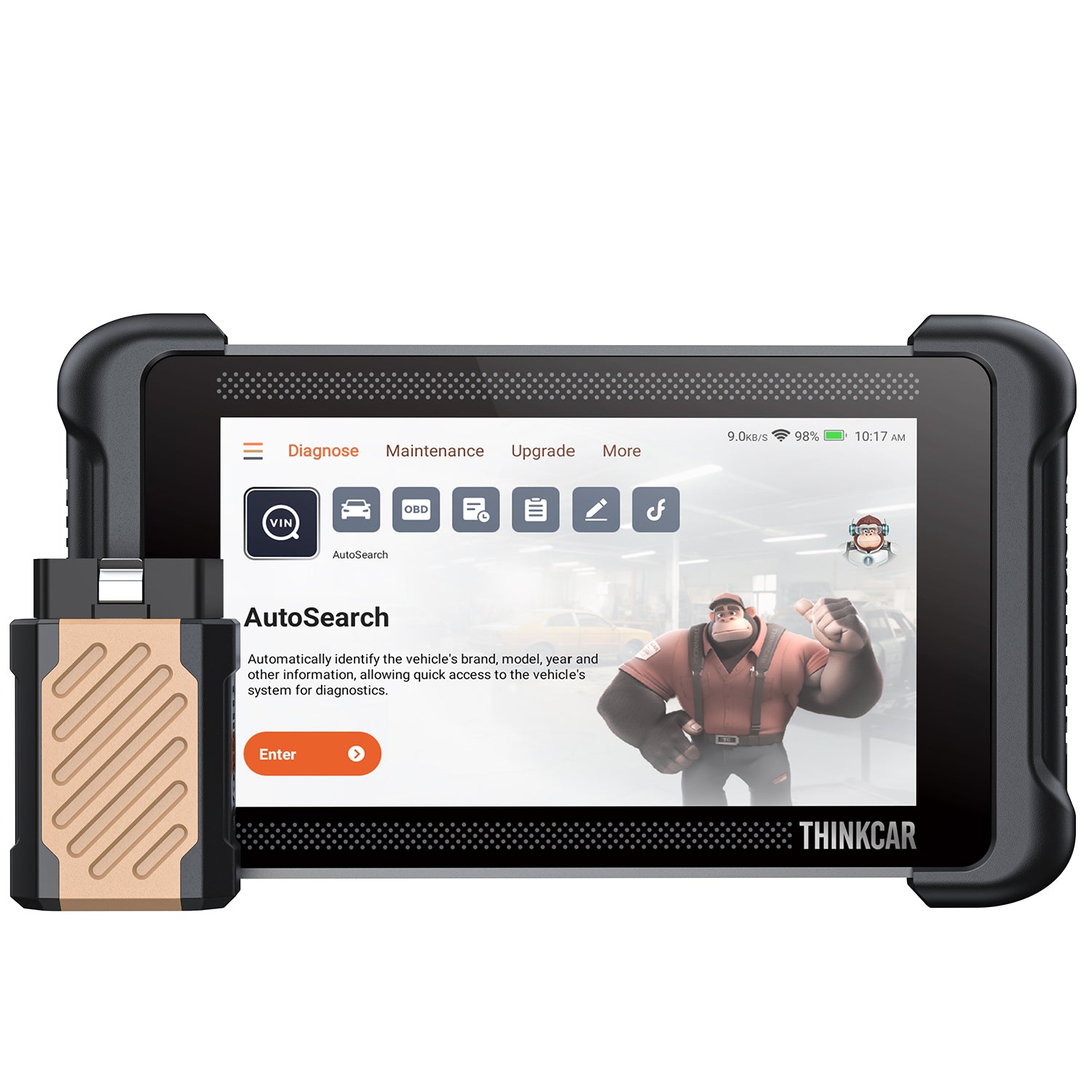
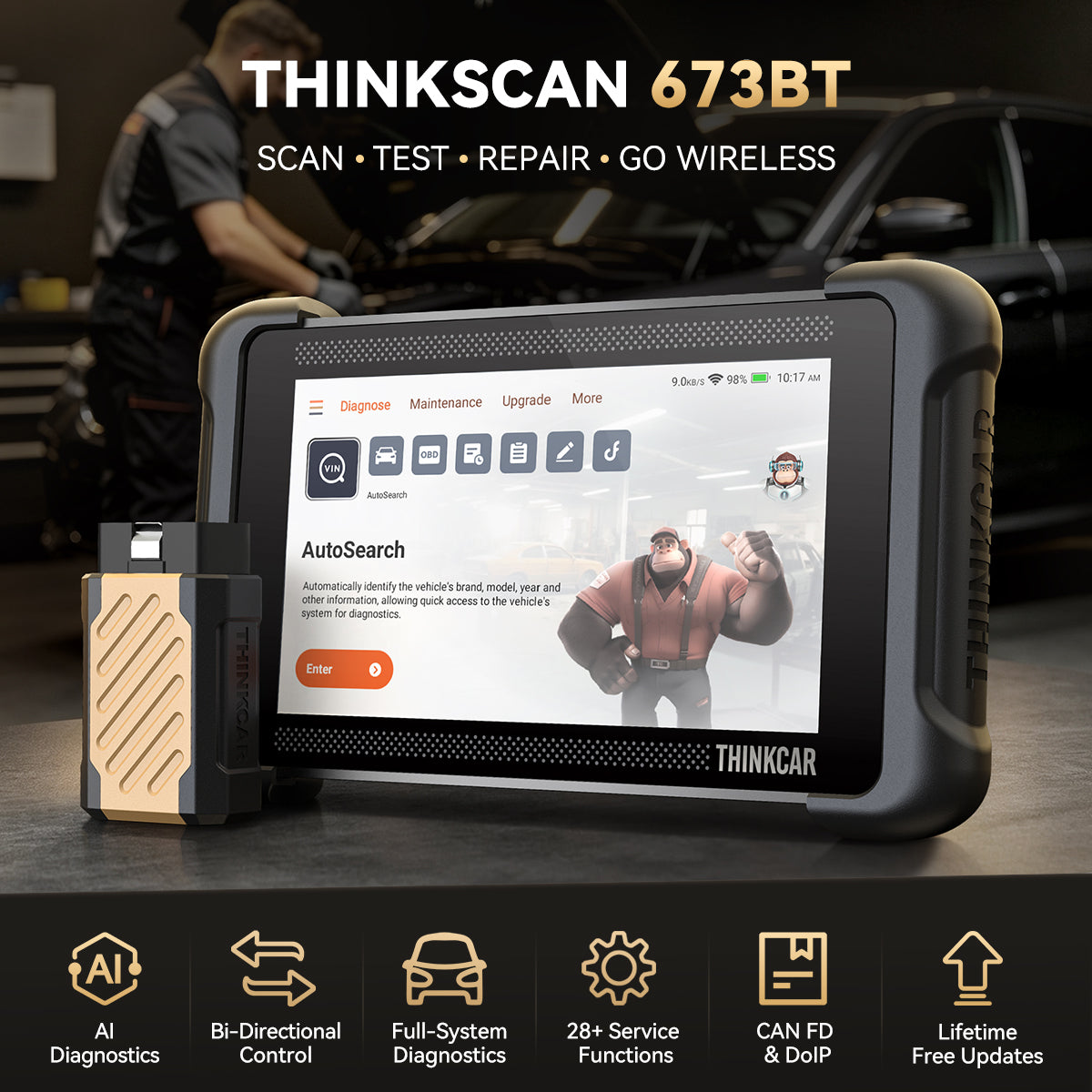





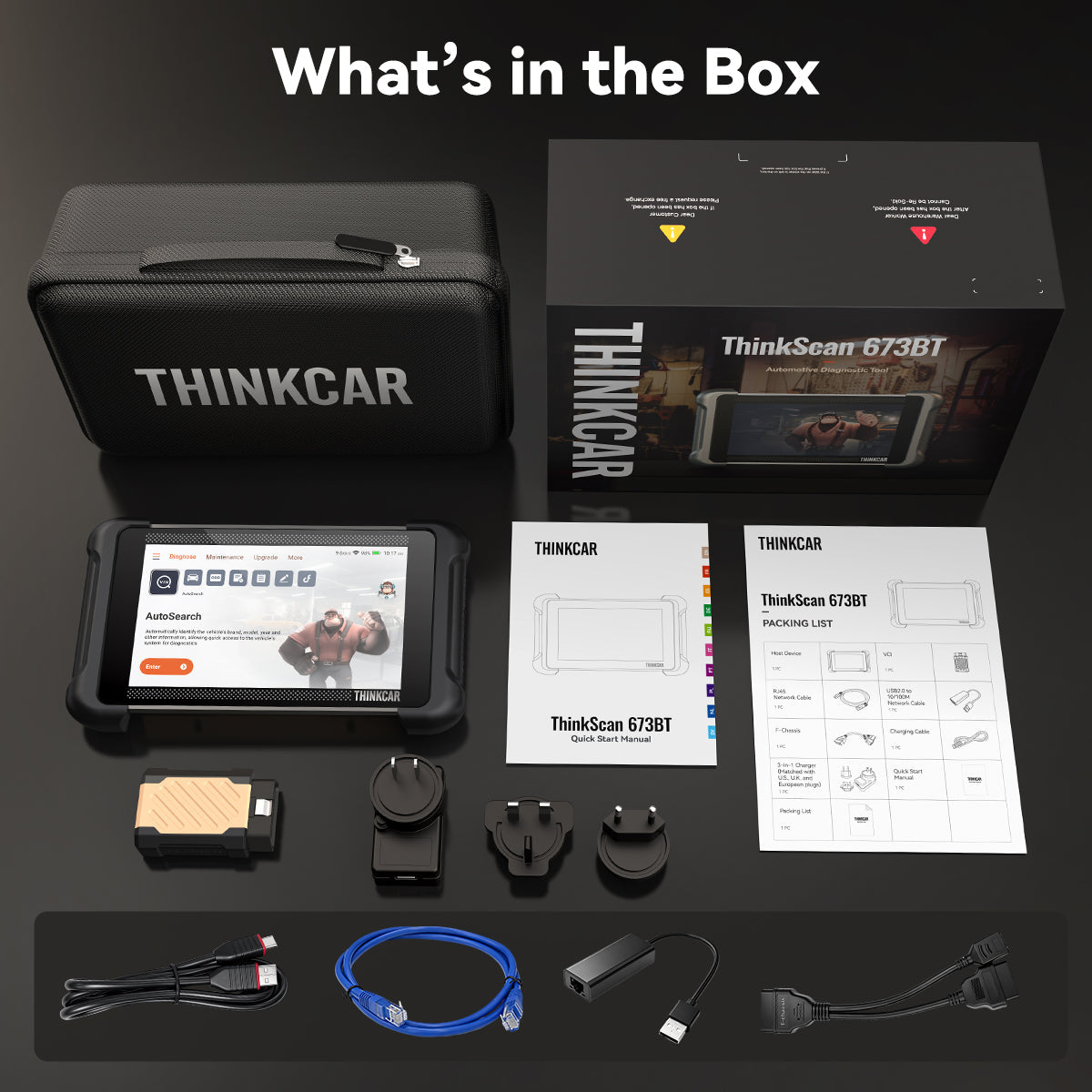









THINKSCAN 673BT
- £349.95
£399.95- £349.95
- Unit price
- per
Save
£30
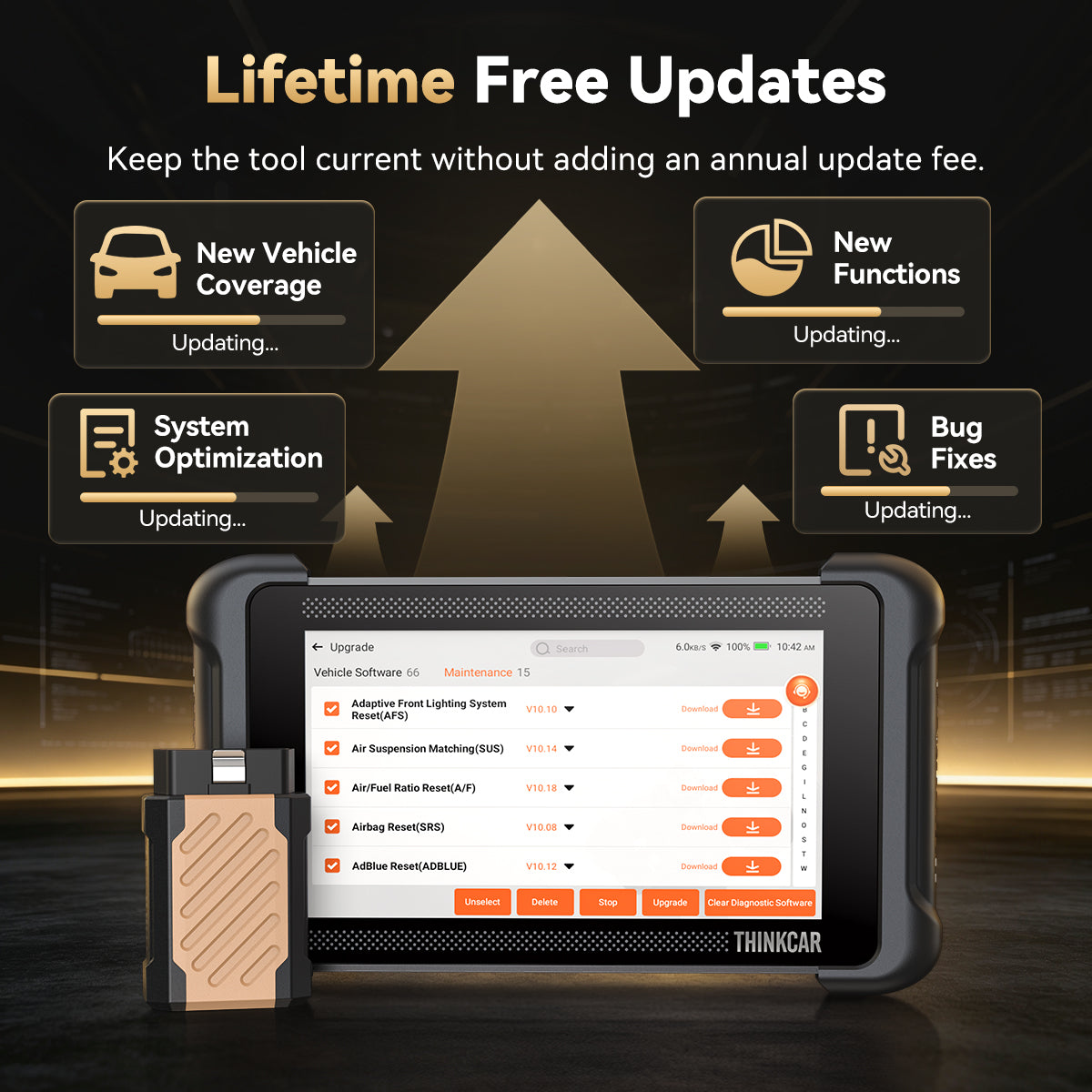
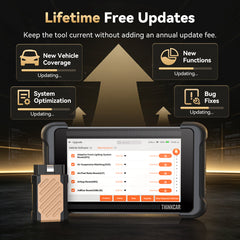
• Free Updates for the Life of Your Tool.
Keep software current without annual fees.
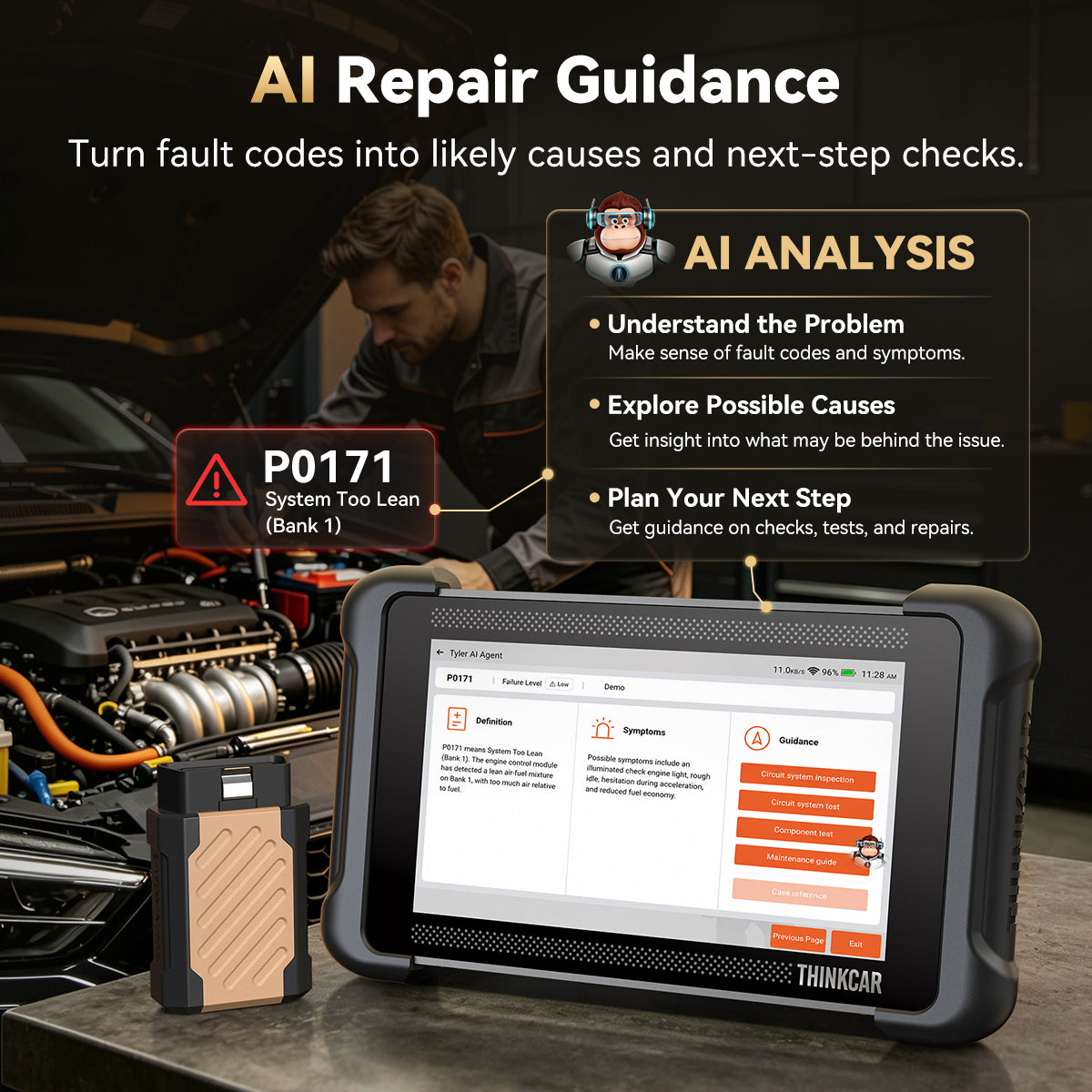
• AI Guidance. Keep the Repair Moving.
Get likely causes and suggested next checks.
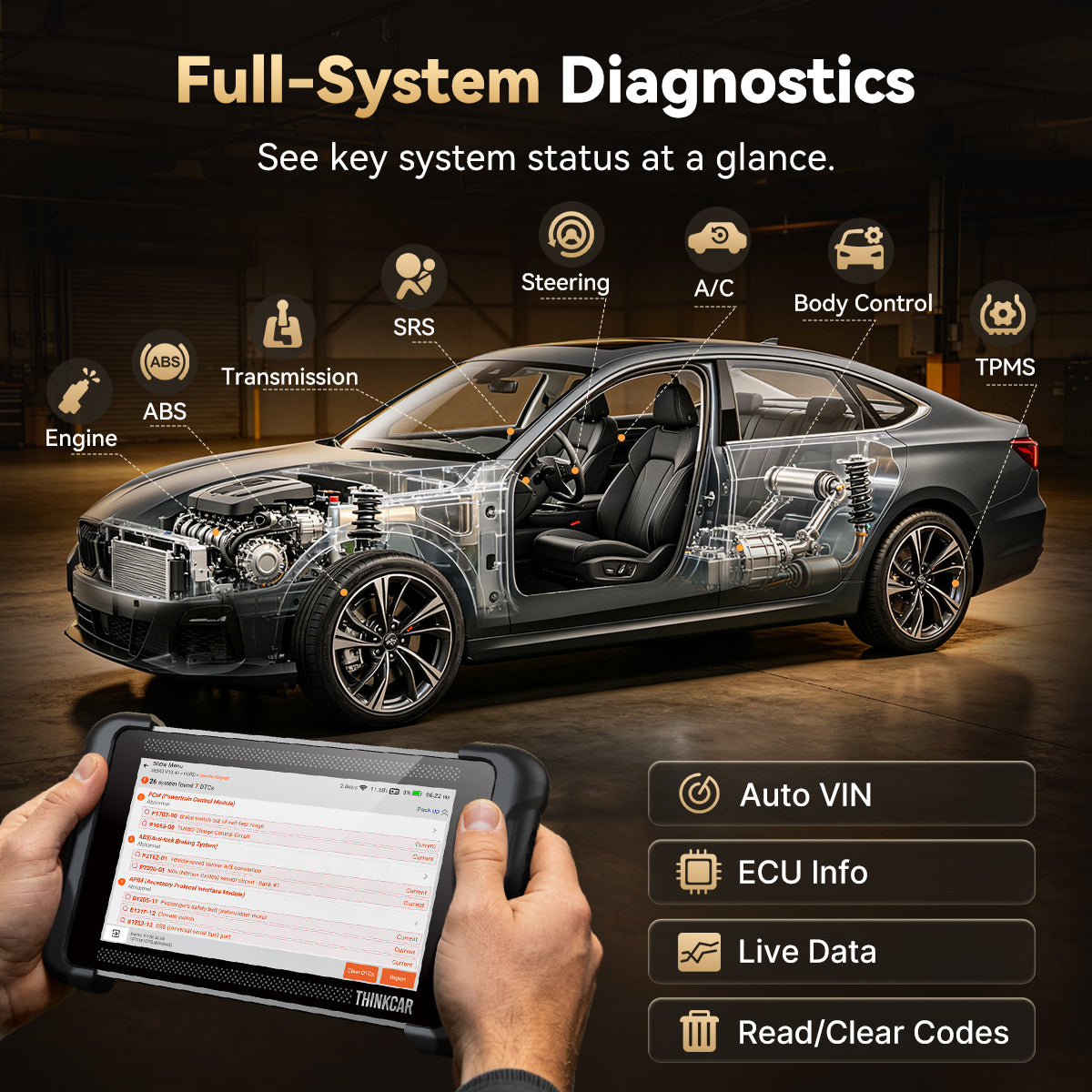
• Scan Broadly. Test Specifically.
Pair full-system scans with supported active tests.
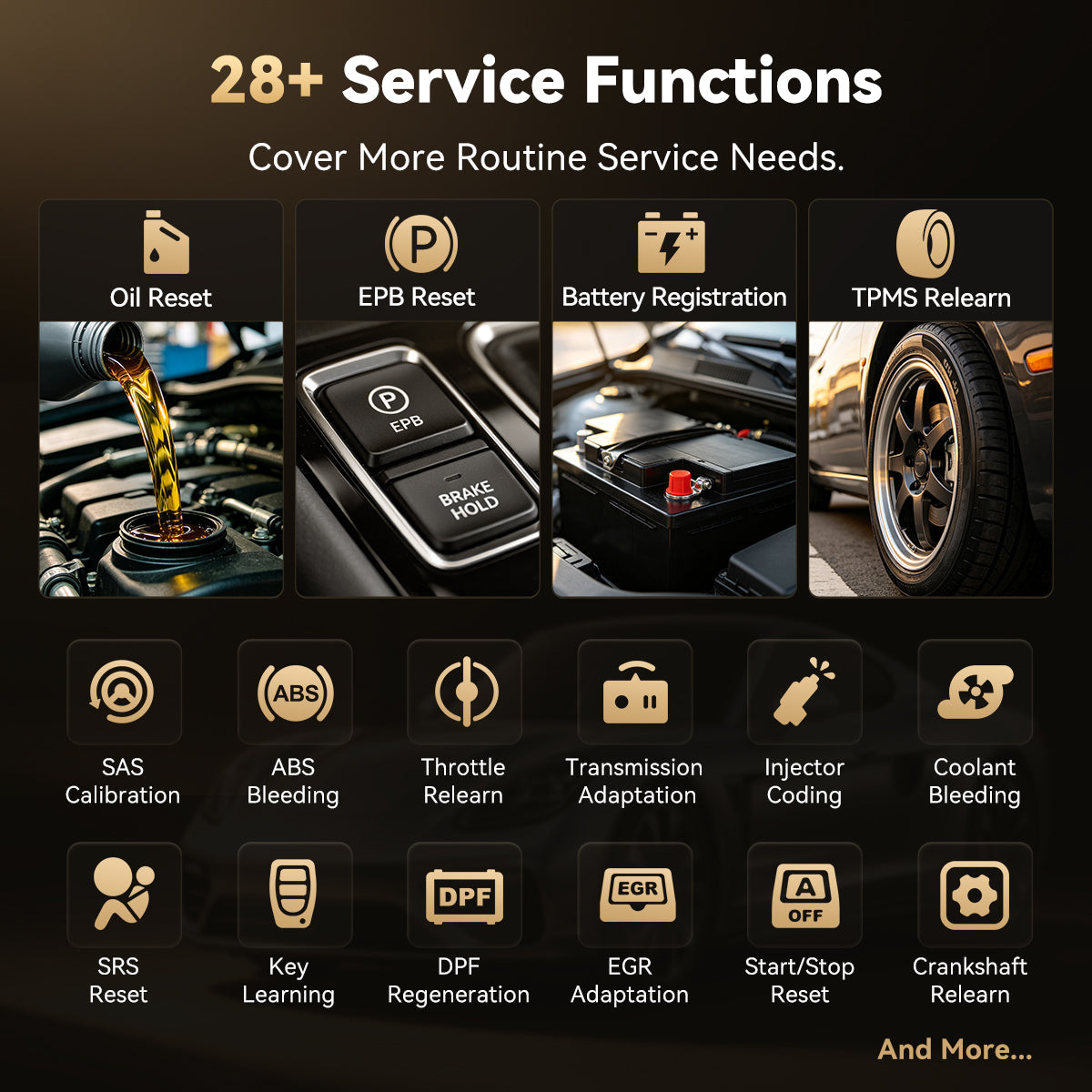
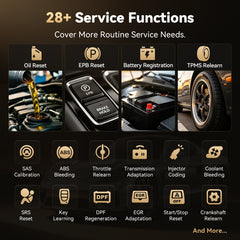
• 28 Service Functions. More Jobs Covered.
Handle everyday resets, relearns, and maintenance procedures.
• Wireless Freedom. Newer Vehicle Support.
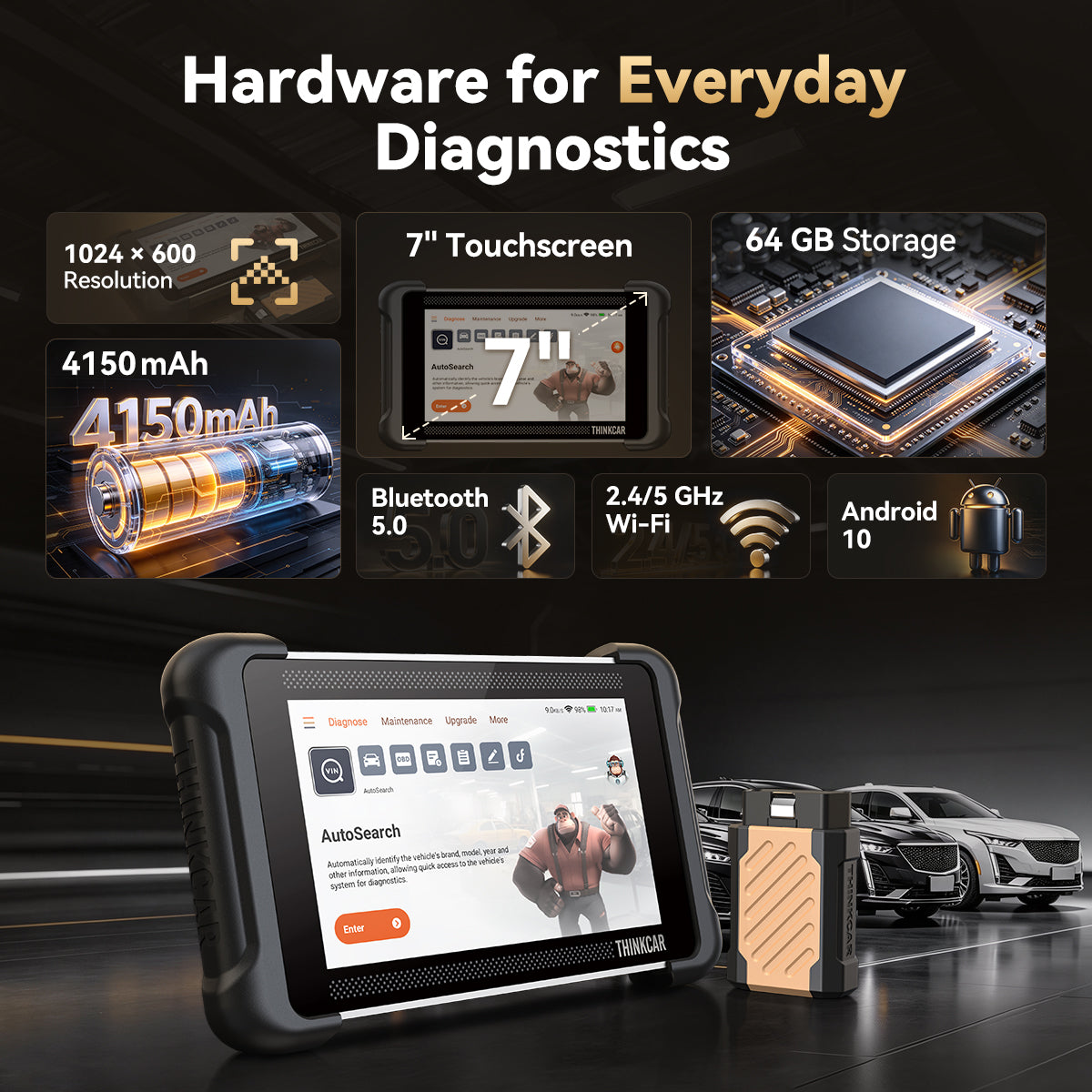
Bluetooth diagnostics, a 7-inch screen, and CAN FD & DoIP.
Fast Local Delivery
UK: Ship from the UK
24/7 Remote diagnosis
12-Month Warranty
30-Day Free Returns
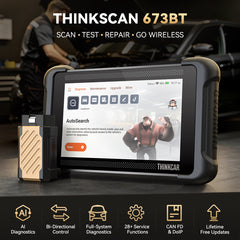
THINKSCAN 673BT
Scan. Test. Repair.
Go Wireless.
Bring AI guidance and hands-on testing to your next repair—with the freedom to work around the vehicle.
Get the highlights.


FROM DIAGNOSIS TO SERVICE
Put More of the Job in Your Hands.

01 · SCAN
Start With the Evidence.
Use AutoVIN to identify a supported vehicle, then read fault codes and live data to plan your inspection.

02 · PLAN & TEST
Build Your Case Before Buying Parts.
Use AI guidance to explore likely causes, then run supported active tests to investigate.

03 · SERVICE
Finish What the Service Requires.
Perform supported resets, relearns, and electronic service procedures from the same tablet.
Available functions vary by vehicle, model year, system, and configuration.
OWN IT. KEEP IT WORKING.
More Repairs Ahead. No Annual Update Bills.
Lifetime free software updates keep the 673BT current for the work ahead.
£0
Annual Software Update Fee
Put Your Budget Back to Work.
Spend on parts, tools, and shop supplies instead of annual software renewals.
Keep Your Tool Moving Forward.
Get software improvements and supported coverage updates as they become available.
REPAIR WITH DIRECTION
Turn Findings Into Action.

Put AI on Your Side of the Repair.
POSSIBLE CAUSES
Explore likely fault sources
SUGGESTED CHECKS
Find what to inspect
REPAIR DIRECTION
Plan your next move

Give Every Replacement a Reason.
COMMAND
Activate supported components
RESPONSE
Observe how they react
EVIDENCE
Inform your repair decision
DIAGNOSE. MAINTAIN. GET BACK TO WORK.
From System Checks to Service Tasks.

28 SERVICE FUNCTIONS
Handle More of Each Service Job.
Complete supported oil resets, EPB service, battery registration, ABS bleeding, and other electronic maintenance procedures.
*Available service functions vary by vehicle, system, and configuration.

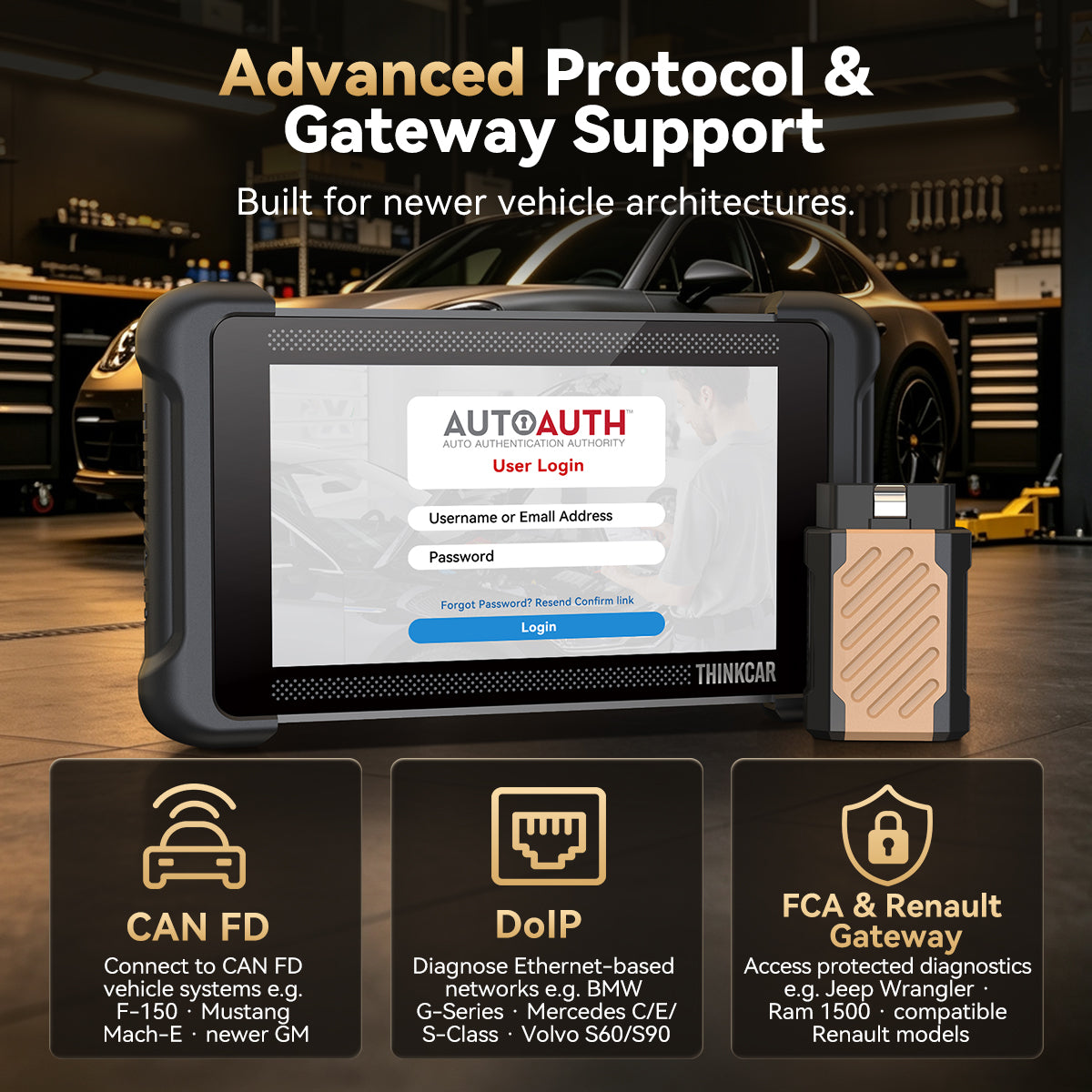
CAN FD, DoIP & Secure Gateway Access
Keep Pace With the Vehicles Coming In.
Communicate with compatible CAN FD and DoIP vehicles, and access supported gateway-protected functions with the required authorization.

MULTI-BRAND COVERAGE
A Broader Fit for a Mixed Garage.
Diagnose supported US, European, and Asian vehicles.
28 Supported Languages:
English, German, Spanish, French, Italian, Portuguese, Japanese, Russian, Polish, Turkish, Dutch, Hungarian, Traditional Chinese, Korean, Greek, Slovak, Romanian, Arabic, Croatian, Slovenian, Finnish, Czech, Swedish, Danish, Persian, Serbian, Vietnamese, and Bulgarian.
MADE FOR THE WAY YOU WORK
Fit More Diagnostic Work Into Your Day.
Bring system checks, component tests, and routine service functions to your own garage, your repair bay, or your next customer visit.

Mobile Mechanics

Independent Repair Shops

Advanced DIYers
BEFORE YOU ORDER
Know What to Expect From Your 673BT.
How does AI repair guidance help?
It provides possible causes and suggested checks to support your investigation. Use the guidance alongside fault codes, live data, test results, and physical inspection.
Are software updates free for life?
Lifetime free updates are included for the tool’s diagnostic and service software. Third-party gateway authorisation or fees are separate.
What can active tests tell me?
They let you command supported components and observe their response. Results help guide further checks; they do not establish the cause of a fault on their own.
How does the wireless connection work?
Plug the VCI into the vehicle’s diagnostic port and connect it to the tablet via Bluetooth 5.0. The tablet can then be used without a diagnostic cable attached to it during supported Bluetooth procedures. The VCI stays plugged into the vehicle. Follow the supplied DoIP connection instructions where required.
Does secure gateway access cost extra?
Requirements depend on the vehicle, region, and provider. Separate registration, authorisation, or fees may apply.
- Choosing a selection results in a full page refresh.